
Send from your Gmail
Connect Gmail once. Every packet goes out from your own address, so broker AP and factoring desks recognize you and reply to you.
For owner operators
Scan the BOL, POD, and rate con with your phone. Get one clean PDF for the load and email it to the broker from your own Gmail, right from the cab.
No signup to try. No fleet account. No kiosk.
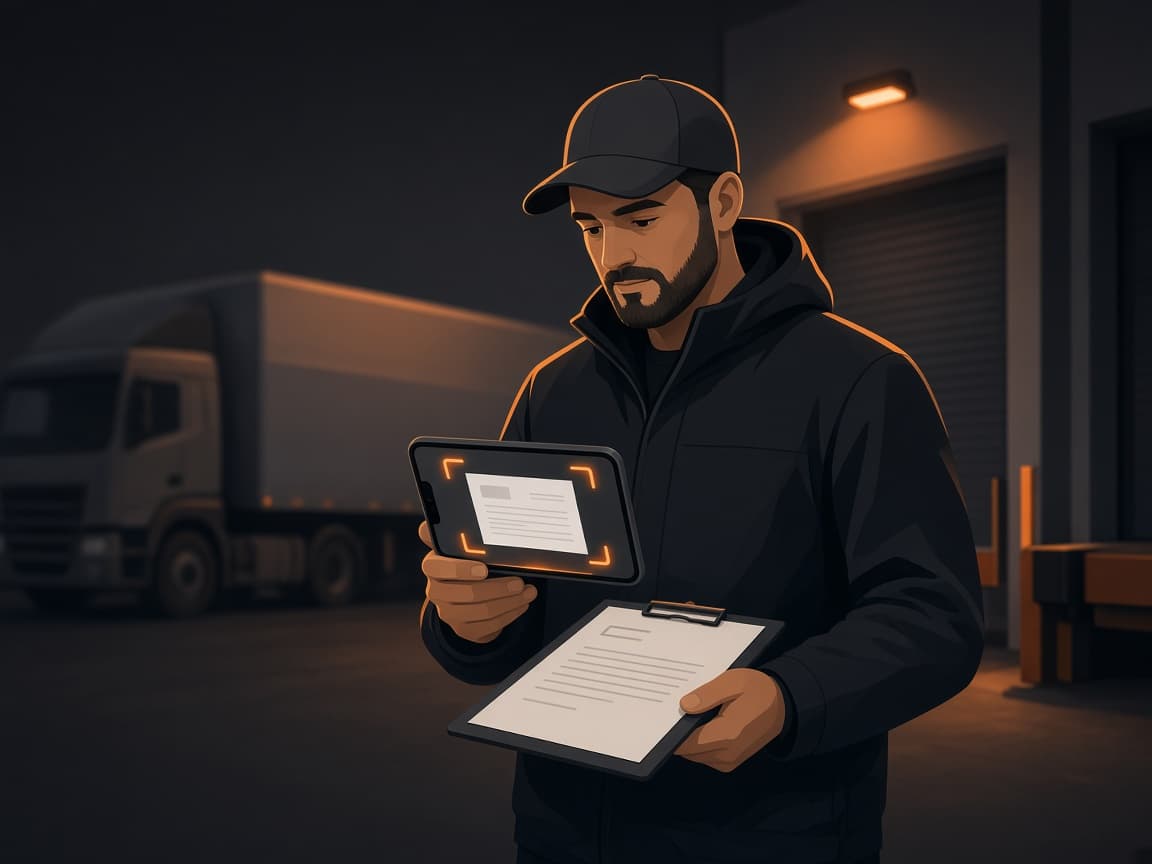
Point your phone at the BOL, rate con, or POD. Edges and contrast are fixed automatically.
Crop, rotate, and reorder. Every page from the load becomes one clean packet.
Pick a saved broker and send the packet from your own Gmail.
Connect Gmail once. Every packet goes out from your own address, so broker AP and factoring desks recognize you and reply to you.
Combine every page from a load into one PDF, the format broker AP and factoring companies ask for. Reorder pages before you send.
Capture pages at the dock or in a parking lot with no service. Everything is saved on your phone and uploads when you are back online.
Automatic edge detection, perspective correction, and a high-contrast filter turn a dashboard photo into a document that is easy to read and small to email.
Keep broker and factoring contacts with multiple emails, tags, and notes. Favorite the ones you haul for most.
Capture signatures, load numbers, and piece counts broker AP can read.
Read the guideScan it before you leave the receiver. It starts the payment clock.
Read the guideKeep the rate con with the load and send everything as one packet.
Read the guideStill deciding? Compare truck stop scanning with your phone. Need the first page of the packet? Make a free trucking invoice.
Yes. Scan a page and see the cleaned-up result with no account. Create a free account when you want to download the PDF or email it to a broker, and your pages come with you.
Scan at the dock with your phone before you leave. Lay the page flat in good light, capture all four corners, and use a black and white filter so signatures and load numbers are easy to read.
No. Any driver can sign up with a Google account. There is nothing for a fleet or broker to set up first.
No. It runs in your phone's browser on iPhone and Android. You can add it to your home screen so it opens like an app.
Yes. Scan in a dead zone and the pages save on your phone. Send the packet when you have signal.
No. When you connect Gmail, we only ask for permission to send email, so the packets you choose go out from your address. We do not ask for permission to read your inbox.